

Join The Community
- Join our community
11
Premium Benefits
24/7
Access Available
21K+
Active Members
Commenting
Join the discussion
Exclusive Articles Coming Soon
Member-only articles
Weekly Newsletters
Weekly gaming & entertainment news
Member Badges
Earn badges as you go
Exclusive Competitions
Members-only prize draws
Curated Deals Coming Soon
Tech and gaming deals worth grabbing
GET COMMUNITY ACCESS QUICK
For the quickest way to join, simply enter your email below and get access. We will send a confirmation and sign you up to our newsletter to keep you updated on all your gaming news.
By submitting your information you agree to the Terms & Conditions and Privacy Policy and are aged 16 or over.
FIND OUT ABOUT OUR MAGAZINE
Want to subscribe to the magazine? Click the button below to find out more information.
Find out more
GET Community ACCESS QUICK

Join the GamesRadar community for quick access. Enter your email below and we'll send confirmation, and sign you up to our newsletter.

By submitting your information you agree to the Terms & Conditions and Privacy Policy and are aged 16 or over.

Background
Welcome to GamesRADAR+ Community !
Hi ,

Your membership journey starts here.

Keep exploring and earning more as a member.

MY ACCOUNT

Badge picture
Earn your first badge
Read 1 article to unlock your first badge.
Keep earning badges
Explore ways to get more involved as a member.
Latest Games News

Latest Games News

Breaking gaming news and updates

Read Now
Latest Games Reviews

Latest Games Reviews

Expert verdicts on the newest releases

Read Now

See what you’ve unlocked.

Explore your membership benefits.

Explore
Member Exclusives

Stay Ahead with GamesRadar+

Get the biggest gaming news, reviews, and releases straight to your inbox.

Explore

Sign Out
GamesRadar+ GamesRadar+
US EditionUS CA EditionCanada UK EditionUK AU EditionAustralia
Sign in
  • View Profile
  • Sign out
  • Games
    • Game Insights
      • Games News
      • Games Features
      • Games Reviews
      • Games Guides
      • Big in 2026
      • The Big Preview
      • On The Radar
      • Indie Spotlight
      • Future Games Show
      • Golden Joystick Awards
    • Genres
      • Action Games
      • RPGs
      • Action RPGs
      • Adventure Games
      • Third Person Shooters
      • FPS Games
    • Platforms
      • PS5
      • Xbox Series X
      • PC
      • Nintendo Switch
      • Nintendo Switch 2
      • Tabletop Gaming
    • Franchises
      • Grand Theft Auto
      • Pokemon
      • Assassin's Creed
      • Monster Hunter
      • Fortnite
      • Cyberpunk
      • Red Dead
      • The Elder Scrolls
      • The Sims
  • Entertainment
    • TV Shows
      • TV News
      • TV Reviews
      • Anime Shows
      • Sci-Fi Shows
      • Superhero Shows
      • Animated Shows
      • Marvel TV Shows
      • Star Wars TV Shows
      • DC TV Shows
    • Movies
      • Movie News
      • Movie Reviews
      • Big Screen Spotlight
      • Superhero Movies
      • Action Movies
      • Anime Movies
      • Sci-Fi Movies
      • Horror Movies
      • Marvel Movies
      • DC Movies
    • Streaming
      • Apple TV Plus
      • Disney Plus
      • Netflix
      • HBO
      • Amazon Prime Video
      • Hulu
    • Comics
      • Marvel Comics
      • DC Comics
    • Toys & Collectibles
    • Lego
    • Dungeons and Dragons
    • Merch
  • Hardware
    • Insights
      • Hardware News
      • Hardware Reviews
      • Hardware Features
    • Computing
      • Desktop PCs
      • Laptops
      • Handhelds
    • Peripherals
      • Headsets & Headphones
      • TVs & Monitors
      • Gaming Mice
      • Gaming Keyboards
      • Gaming Chairs
      • Speakers & Audio
    • Accessories & Tech
      • Gaming Controllers
      • Tech
      • SSDs & Hard Drives
      • VR
      • Accessories
      • Retro
  • Deals
    • Game Deals
    • Tech Deals
    • TV Deals
    • Buying Guides
  • Video
    • Video
    • GR+ Replay - Submit Your Clips
  • Newsletters
    • Quizzes
    • About Us
    • How to pitch to us
    • How we score
    • Newsarama
    • Retro Gamer
    • Total Film
  • home
  • Games
    • View Games
      • Games News
      • Games Features
      • Games Reviews
      • Games Guides
      • Big in 2026
      • The Big Preview
      • On The Radar
      • Indie Spotlight
      • Future Games Show
      • Golden Joystick Awards
      • Action Games
      • RPGs
      • Action RPGs
      • Adventure Games
      • Third Person Shooters
      • FPS Games
    • Platforms
      • View Platforms
      • PS5
      • Xbox Series X
      • PC
      • Nintendo Switch
      • Nintendo Switch 2
      • Tabletop Gaming
      • Grand Theft Auto
      • Pokemon
      • Assassin's Creed
      • Monster Hunter
      • Fortnite
      • Cyberpunk
      • Red Dead
      • The Elder Scrolls
      • The Sims
  • Entertainment
    • View Entertainment
    • TV Shows
      • View TV Shows
      • TV News
      • TV Reviews
      • Anime Shows
      • Sci-Fi Shows
      • Superhero Shows
      • Animated Shows
      • Marvel TV Shows
      • Star Wars TV Shows
      • DC TV Shows
    • Movies
      • View Movies
      • Movie News
      • Movie Reviews
      • Big Screen Spotlight
      • Superhero Movies
      • Action Movies
      • Anime Movies
      • Sci-Fi Movies
      • Horror Movies
      • Marvel Movies
      • DC Movies
    • Streaming
      • View Streaming
      • Apple TV Plus
      • Disney Plus
      • Netflix
      • HBO
      • Amazon Prime Video
      • Hulu
    • Comics
      • View Comics
      • Marvel Comics
      • DC Comics
    • Toys & Collectibles
    • Lego
    • Dungeons and Dragons
    • Merch
  • Hardware
    • View Hardware
      • Hardware News
      • Hardware Reviews
      • Hardware Features
      • Desktop PCs
      • Laptops
      • Handhelds
    • Peripherals
      • View Peripherals
      • Headsets & Headphones
      • TVs & Monitors
      • Gaming Mice
      • Gaming Keyboards
      • Gaming Chairs
      • Speakers & Audio
      • Gaming Controllers
      • Tech
      • SSDs & Hard Drives
      • VR
      • Accessories
      • Retro
  • Deals
    • View Deals
    • Game Deals
    • Tech Deals
    • TV Deals
    • Buying Guides
  • Video
    • View Video
    • Video
    • GR+ Replay - Submit Your Clips
  • Newsletters
    • Quizzes
    • About Us
    • How to pitch to us
    • How we score
    • Newsarama
    • Retro Gamer
    • Total Film
Trending
  • Amazon Spring Sale
  • New Games for 2026
  • Submit your game clips
  • GDC
Don't miss these
PS5 bundles on a blue background
PS5 The best PS5 bundles and deals in March 2026
Marathon UESC Recruit robot
FPS Games Possible fixes for Marathon error codes, including centipede, broccoli, marmot, stingray, tapir, and weasel
Death Stranding 2 PS5 screenshot
PS5 PS5 exclusives: Every game released and confirmed so far
Image of the white version of the Razer BlackShark V2 Pro headset and a PS5 DualSense controller.
Headsets & Headphones The top 5 things you should know before buying a PS5 gaming headset
The Last of Us 2
PS5 PS5 Pro enhanced games list: all the confirmed PS5 Pro enhanced titles to play today
How to download free PS5 games
PlayStation How to download free PS5 games
PS5 DualSense controller and PS5 Astro Bot Limited Edition DualSense controller on a wooden table
PS5 Best PlayStation gifts, according to a fan who's been playing on Sony's console since the start
PS5 game deals with Spider-Man Miles Morales, Astro Bot and PS5 console
Games Best cheap PS5 game deals – all the latest sales in March 2026
Photo of the SteelSeries Arctis Nova Pro Wireless sitting on a PS5 DualSense controller.
Headsets & Headphones I've found your next favorite PS5 headset, and it's all thanks to this week's Best Buy savings
GTA 5 new
Grand Theft Auto All GTA 5 cheat codes and phone numbers for PS5, PS4, Xbox, and PC
Samsung 990 Pro being held in front of red lighting
SSDs and Hard Drives The best SSD for PS5 in 2026: Why Samsung is the brand to beat
Close up of the Limited Edition Astro Bot Seagate Game Drive box, with the Astro Bot DualSense controller in the background.
SSDs and Hard Drives At a time when some PS5 SSDs cost more than rent, this 5TB Astro Bot external drive looks astronomically more appealing
SteelSeries Arctis Nova Pro Wireless in white being held in front of a PS5
Headsets & Headphones The best PS5 headset 2026: SteelSeries holds onto the crown for another year
Upcoming PS5 games for 2026 showing Lucia from GTA 6, Wolverine from Marvel's Wolverine, Arjun from Saros, and Grace from Resident Evil Requiem
Adventure Games Upcoming PS5 games: New PS5 games for 2026 and beyond
Image of a set of PS5 game boxes on a pink GamesRadar+ background.
Hardware Sorry never-ending backlog, these record-low PS5 game savings are too good to ignore
  1. Platforms
  2. PlayStation
  3. PS5

All PS5 error codes explained, with fixes and solutions

Guides
By Iain Wilson Contributions from Jordan Gerblick last updated 12 December 2025

If your PS5 has an error code you want to solve, they're all listed below

When you purchase through links on our site, we may earn an affiliate commission. Here’s how it works.

 PS5
(Image credit: Sony)
  • Facebook
  • X
  • Pinterest
  • Flipboard
  • Email
Share this article
0
Join the conversation
Follow us
Add us as a preferred source on Google
Sign up to the GamesRadar+ Newsletter

Weekly digests, tales from the communities you love, and more


By submitting your information you agree to the Terms & Conditions and Privacy Policy and are aged 16 or over.

You are now subscribed

Your newsletter sign-up was successful


Want to add more newsletters?

GamesRadar+

Every Friday

GamesRadar+

Your weekly update on everything you could ever want to know about the games you already love, games we know you're going to love in the near future, and tales from the communities that surround them.

GTA 6 O'clock

Every Thursday

GTA 6 O'clock

Our special GTA 6 newsletter, with breaking news, insider info, and rumor analysis from the award-winning GTA 6 O'clock experts.

Knowledge

Every Friday

Knowledge

From the creators of Edge: A weekly videogame industry newsletter with analysis from expert writers, guidance from professionals, and insight into what's on the horizon.

The Setup

Every Thursday

The Setup

Hardware nerds unite, sign up to our free tech newsletter for a weekly digest of the hottest new tech, the latest gadgets on the test bench, and much more.

Switch 2 Spotlight

Every Wednesday

Switch 2 Spotlight

Sign up to our new Switch 2 newsletter, where we bring you the latest talking points on Nintendo's new console each week, bring you up to date on the news, and recommend what games to play.

The Watchlist

Every Saturday

The Watchlist

Subscribe for a weekly digest of the movie and TV news that matters, direct to your inbox. From first-look trailers, interviews, reviews and explainers, we've got you covered.

SFX

Once a month

SFX

Get sneak previews, exclusive competitions and details of special events each month!


Join the club

Get full access to premium articles, exclusive features and a growing list of member rewards.


An account already exists for this email address, please log in.
Subscribe to our newsletter

PS5 error codes are the last thing you want to see, as they usually mean you can't access certain parts of the game you're trying to play, or you could be locked out of it completely. Therefore it can be helpful to know what they mean, and if there are any fixes or solutions available to deal with that particular issue. With technology advancing these errors could mean anything from a missing licence to the entire PlayStation Network going offline, and the severity of the issue will determine whether a fix can be used. I've round up all of the major PS5 error codes below, along with their solutions and fixes where available.

PS5 error codes quick guide

These are some of the PS5 error codes you're most likely to see:

  • WS-116449-5
  • WS-116331-5
  • CE-107880-4
  • CE-108255-1
  • CE-108862-5
  • CE-105799-1 / CE-113212-0
  • CE-107520-5 / CE-108889-4
  • CE-11773-6
  • NP-102955-2
  • NP-104602-3
  • Other PS5 error codes

If you've encountered any of those issues then select the specific error code for more information, or if it's not listed then we've got further details at the end on how to get additional help on the matter.

You may like
  • PS5 bundles on a blue background The best PS5 bundles and deals in March 2026
  • Marathon UESC Recruit robot Possible fixes for Marathon error codes, including centipede, broccoli, marmot, stingray, tapir, and weasel
  • Death Stranding 2 PS5 screenshot PS5 exclusives: Every game released and confirmed so far

PS5 error code WS-116449-5

"This service is currently under maintenance."

Unlike many of the PS5 error codes listed here, this one does at least have a useful description, as it often appears when some or all of the PlayStation Network is undergoing maintenance. Check the PlayStation Network status page to see what's happening, as this should confirm if there's any widespread issues stopping players from accessing the service. If there are no reported issues there, then try resetting the internet connection settings on your console and running the internet connection test, and if that doesn't help then turn off your router and modem for at least five minutes then try again. If that still doesn't fix things then try again later as there may be temporary congestion on your line.

PS5 error code WS-116331-5

"Access to PSN has been temporarily suspended."

This PS5 error code could mean that your account has been suspended from accessing the PlayStation Network, however you shouldn't panic straight away. Check if you can sign in from another device, and if not then find out what the current PSN status is, as this message can appear when there's a general outage across the network. If everything else seems to be working correctly, then you can find out more about suspensions on PlayStation Network including how to check your suspension status.

Sign up to the GamesRadar+ Newsletter

Weekly digests, tales from the communities you love, and more

By submitting your information you agree to the Terms & Conditions and Privacy Policy and are aged 16 or over.

PS5 error code CE-107880-4

"Something went wrong."

This PS5 error code with a particularly helpful description usually occurs in relation to pre-orders, and either pre-loading or installing exclusive add-on content. If your issue is with pre-loading, then try accessing your PSN library on a browser to cancel any pending downloads then queue the download remotely. If that doesn't work, you can also try fully powering off your PS5 then restarting it, or restoring licences via the System > Users and Accounts > Other > Restore Licences option.

If you are receiving this error code in relation to add-on content, then the problem could be that the specific item(s) haven't been made available yet due to an issue with the release date attached to them on the PlayStation Store, or the system is incorrectly trying to access the PS4 version of the DLC which isn't compatible with the PS5 game. Unfortunately in these cases there is currently no known fix, and you'll need to wait for Sony or the developers to resolve the problem before you can receive your additional content.

You may like
  • PS5 bundles on a blue background The best PS5 bundles and deals in March 2026
  • Marathon UESC Recruit robot Possible fixes for Marathon error codes, including centipede, broccoli, marmot, stingray, tapir, and weasel
  • Death Stranding 2 PS5 screenshot PS5 exclusives: Every game released and confirmed so far

PS5 error code CE-108255-1

"Something went wrong with this game or app."

A number of players are receiving this PS5 error code, and unfortunately the initial prognosis doesn't sound good. Some are getting it with one specific PS5 game, while others are receiving the error with every PS5 title they try. Although Sony haven't officially commented on the issue yet, several people are reporting that they've spoken to customer services and been advised that they'll need to return their hardware for replacement. If you are getting this error and it persists, you'll need to contact PlayStation customer services for more details.

PS5 error code CE-108862-5

"Unable to connect to the server."

This is another connection error message, but this time possibly relating to the servers for the individual game you are playing. If the PlayStation Network status page linked above confirms everything is currently working, then check the game developer's website or social media channels to see if they have a specific issue. Again, it's likely this is a temporary connection fault, so if you can't resolve it then wait and try again later.

PS5 error code CE-105799-1 / CE-113212-0

"Unable to connect to the server."

These are PSN connection error message, so the first thing to do is check the PlayStation Network status page (linked above) to make sure everything is up and running. If there is no maintenance or downtime in progress, restart your PS5 and configure your wireless connection settings again, checking your router is in range or switching to a wired connection if possible. If the problem persists, turn off your modem and router for 5 minutes, then restart and update your router firmware if available. If the issue still isn't resolved then it's likely there's a temporary connection fault, so wait and try again later.
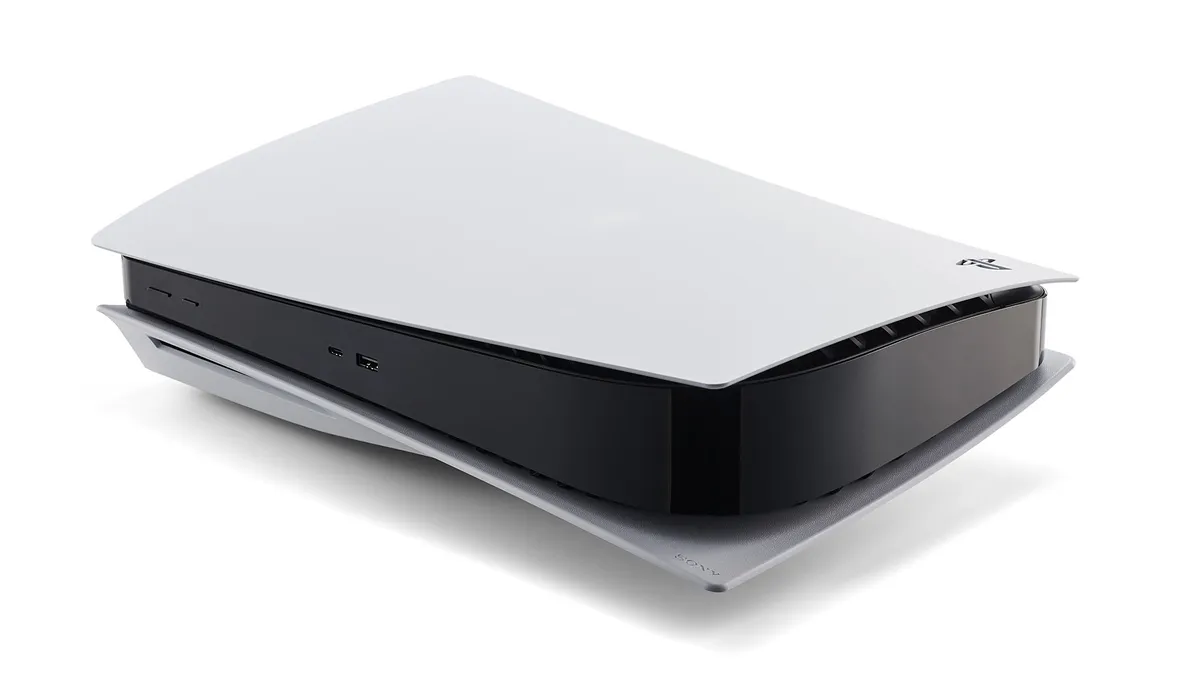
PS5

(Image credit: Sony)

PS5 error code CE-107520-5 / CE-108889-4

"Please install the latest system software."

This PS5 error code means that your system software is not up to date, so connect to the internet and follow the instructions to update to the latest version. If you can't connect your console online, you can also download and install the latest system software on a USB drive via a computer, or update it using a game disc. For more information on this process, see the official PS5 System Software Update site.

PS5 error code CE-11773-6

If you see this PS5 error code, it's usually because your console is unable to verify that you have digital ownership of the game you're trying to launch. Check to see if there are any connection issues with the PSN, as if there are then you may need to wait for them to be resolved before your details can be confirmed. Alternatively, it's also worth going into the Settings menu and selecting the Users and Accounts > Other > Restore Licenses > Restore option, as this may trigger the confirmation required to activate your game.
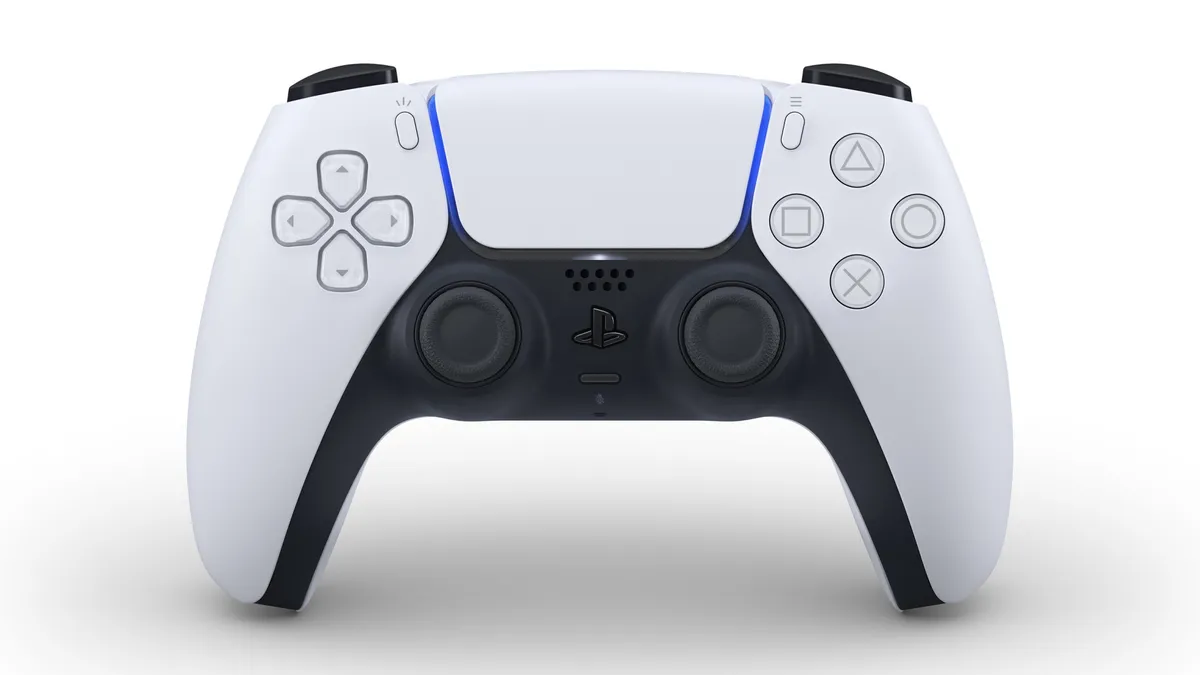
PS5 controller, AKA DualSense

(Image credit: Sony)

PS5 error code NP-102955-2

"The account information is incorrect."

If you're receiving this PS5 error code, then the PlayStation Network account log in information you're supplying does not match the records held by Sony. Double check that you're entering the correct email address and password (case sensitive), and if you're sure the information you're entering is correct then you'll need to contact customer services to reset your password.

PS5 error code NP-104602-3

"Something went wrong."

There are a number of reasons for this PS5 error code, which are all related to internet connectivity. First, check the PlayStation Network status to make sure there aren't any issues there, as problems at that level can only be resolved by Sony. If things are reported to be working correctly, use Test Internet Connection to review your network settings as it's likely you're getting a NAT Type error that's preventing online connectivity. If that's the case, there are a few other things to try at your end that have worked for others.

Rebooting your router is always a good initial action when having connection issues, but if that doesn't work then go to Set Up Internet Connection on your PS5, press Options on your wi-fi connection then under Wi-Fi Frequency Bands try changing from Automatic to 5 GHz or 2.4 GHz and see if that resolves the error. If that doesn't help or you're on a wired connection, press Options on your connection then go to Advanced Settings and try changing your Primary / Secondary DNS settings to 8.8.8.8 / 8.8.4.4 (Google Public DNS) or 1.1.1.1 / 1.0.0.1 (Cloudflare DNS) as this will resolve connection issues in a number of circumstances. If not, check with your ISP for any issues with their service.

PS5

(Image credit: Sony)

Other PS5 error codes

If the particular PS5 error code you've been experiencing isn't listed here, there are other resources you can go to for support. The Reddit PlayStation Community Support Team are currently building this PlayStation Error Code Database to cover a wide variety of issues, or you can check on the PSN Service Status and search the error code on the PlayStation Support site itself to see if there is a support article available.

© GamesRadar+. Not to be reproduced without permission.

TOPICS
PlayStation Network PlayStation Plus Google
Iain Wilson
Iain Wilson
Social Links Navigation
Guides Editor

Iain originally joined Future in 2012 to write guides for CVG, PSM3, and Xbox World, before moving on to join GamesRadar in 2013 as Guides Editor. His words have also appeared in OPM, OXM, PC Gamer, GamesMaster, and SFX. He is better known to many as ‘Mr Trophy’, due to his slightly unhealthy obsession with amassing intangible PlayStation silverware, and he now has over 1,000 Platinum pots weighing down the shelves of his virtual award cabinet. He does not care for Xbox Achievements.

With contributions from
  • Jordan GerblickStaff Writer

You must confirm your public display name before commenting

Please logout and then login again, you will then be prompted to enter your display name.

Read more
PS5 bundles on a blue background
PS5 The best PS5 bundles and deals in March 2026
 
 
Marathon UESC Recruit robot
FPS Games Possible fixes for Marathon error codes, including centipede, broccoli, marmot, stingray, tapir, and weasel
 
 
Death Stranding 2 PS5 screenshot
PS5 PS5 exclusives: Every game released and confirmed so far
 
 
Image of the white version of the Razer BlackShark V2 Pro headset and a PS5 DualSense controller.
Headsets & Headphones The top 5 things you should know before buying a PS5 gaming headset
 
 
The Last of Us 2
PS5 PS5 Pro enhanced games list: all the confirmed PS5 Pro enhanced titles to play today
 
 
How to download free PS5 games
PlayStation How to download free PS5 games
 
 
Latest in PS5
Crimson Desert at Gamescom Opening Night Live 2023
Open World Games Crimson Desert inexplicably changes the name of its fat cats to "loafy cats," and I might be the only person on-board
 
 
Astarion from Baldur's Gate 3
Baldur's Gate Baldur's Gate 3 Astarion actor "definitely avoided a few roles" because he didn't want to do "the Astarion thing" again
 
 
Minecraft frogs temperate
Minecraft Minecraft devs say anything is possible as they start to dip into old ideas for new updates
 
 
Arc Raiders characters drinking at a bar
Third Person Shooters As Arc Raiders gets stale for some, dev says players "reaching the end of our content" are a focus
 
 
Hades 2 protagonist Melinoe
Hades Hades 2 getting "bonus content and quality-of-life improvements" alongside PS5 and Xbox ports
 
 
Yang Binglin holds a notebook and pen
Resident Evil "Game Grandpa" obliterates Resident Evil Requiem by making copies of its maps in his notebook
 
 
Latest in Guides
Crimson Desert Precipice of Truth
RPGs How to solve the Precipice of Truth in Crimson Desert
 
 
A warrior battles a three-headed dragon in Dungeon Heroes.
RPGs Dungeon Heroes codes (March 2026) for Boosters, food, and more
 
 
Fortnite Season 2 Chapter 7
Fortnite Fortnite Rivalries and the Showdown leaderboard explained
 
 
Crimson Desert Mysterious Energy
RPGs Mysterious Energy in Crimson Desert explained
 
 
arc raiders flashpoint
Third Person Shooters What's in the Arc Raiders Flashpoint update and when does it release
 
 
Tenebrum in Crimson Desert
RPGs How to beat Tenebrum in Crimson Desert
 
 
LATEST ARTICLES
  1. Something Very Bad is Going to Happen
    1
    3 new to Netflix shows I recommend you binge-watch this weekend (March 27–March 29)
  2. 2
    Crimson Desert inexplicably changes the name of its fat cats to "loafy cats," and I might be the only person 100% on-board with this: "Litterally unplayable"
  3. 3
    The actor behind Baldur's Gate 3 vamp Astarion "definitely avoided a few roles" because the studios wanted "the Astarion thing"
  4. 4
    Steam's new "golden age" is special because so many genres are popping off at once, indie expert says: "It's almost like the player base was drinking and their inhibitions lowered"
  5. 5
    Legendary fan translator is now officially helping bring back a mascot platformer that couldn't escape the '90s

GamesRadar+ is part of Future US Inc, an international media group and leading digital publisher. Visit our corporate site.

Add as a preferred source on Google Add as a preferred source on Google
  • Terms and conditions
  • Contact Future's experts
  • Privacy policy
  • Cookies policy
  • Accessibility statement
  • Careers
  • About us
  • Advertise with us
  • Review guidelines
  • Write for us
  • Accessibility Statement

© Future US, Inc. Full 7th Floor, 130 West 42nd Street, New York, NY 10036.

Please login or signup to comment

Please wait...